The Birchwood
Acacia Estates, Taguig City Condo
Verdant landscapes and wide array of amenities
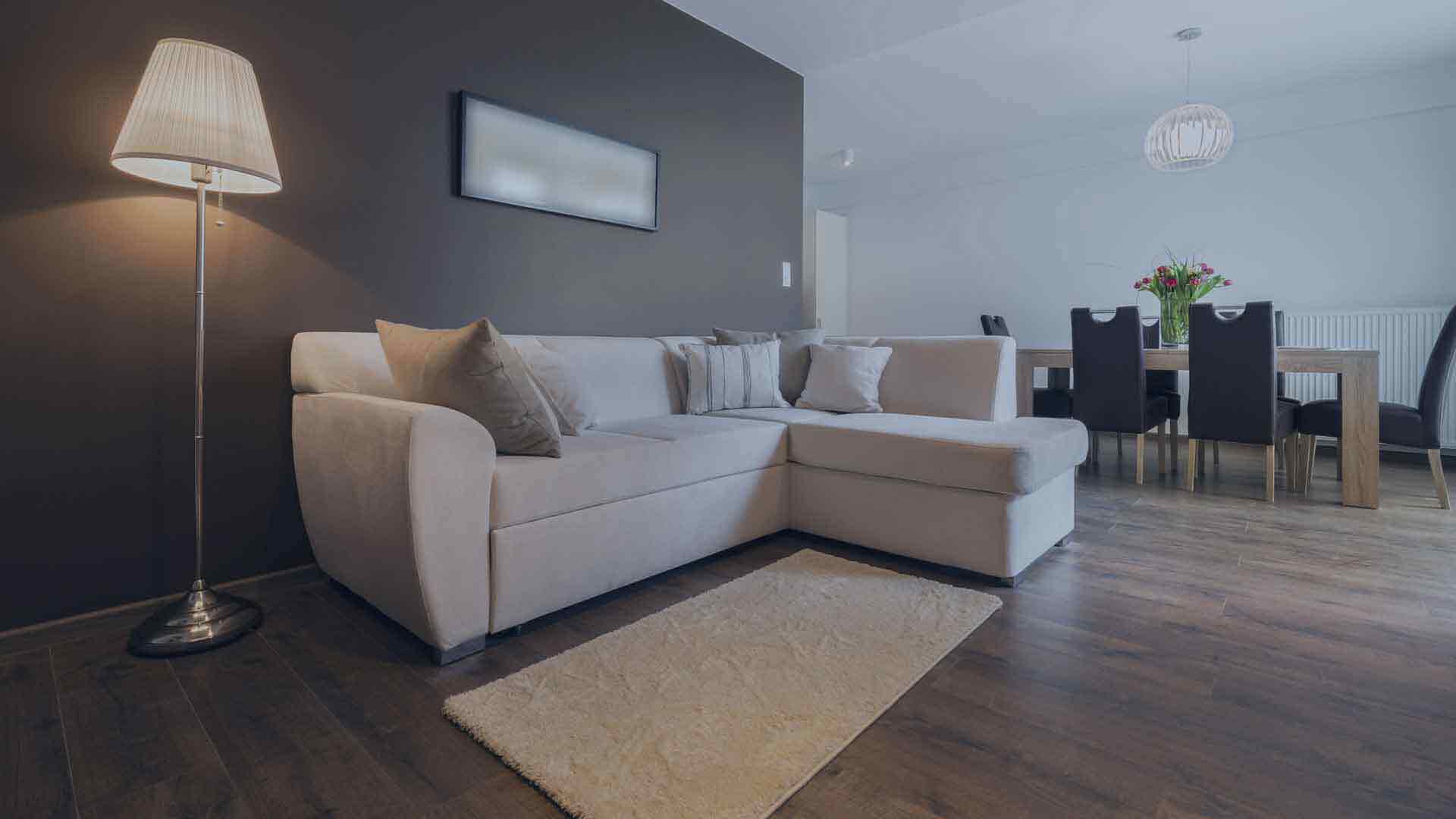
A real estate listing video maker should help agents turn approved property photos, clips, and listing details into a clear presentation buyers can follow. The practical differences are how much assembly the tool handles, whether it supports narration and branding, how easily it adapts to social formats, and how much editing control remains after generation. This list covers specialist photo-to-video tools alongside flexible editors for agents, photographers, and marketing teams.
| Tool | Best for | Standout features | Main limitation |
|---|---|---|---|
| EstateHooks.ai | Finished photo-based property walkthroughs | Virtual staging, narration, room-matched effects, multi-format export | Not an interactive 3D tour |
| Styldod Real Estate Video Maker | Quick template-based listing posts | Listing templates, property details, branding, social-ready videos | Template-led rather than cinematic AI generation |
| AutoReel | Real estate media workflows | Realtor.com import, virtual staging, voiceovers, Studio editor | Photo limits vary by plan |
| Reel-E | Multiple versions from one upload | AI camera motion, beat-synced transitions, saved branding | Focused on listing production rather than general compositing |
| InVideo | Listing and broader marketing videos | Templates, stock library, text-to-speech, collaboration | Property tours require more manual assembly |
| Animoto | Simple branded slideshows | Drag-and-drop editing, templates, music, branding | Less automated motion for listing photos |
| CapCut | Creator-led short-form edits | Timeline editing, auto-captions, AI voiceover, effects | Manual sequencing takes time |
This roundup is based on published product features, help content, and the workflows agents typically need when a listing begins with photos rather than filmed footage. Priority went to tools that make it possible to create a usable property video, preserve brand consistency, and prepare formats for likely publishing channels.
Best for: Agents and photographers who want to turn listing photos into a staged, narrated video tour without filming or learning a video editor.
EstateHooks.ai starts with normal JPG, PNG, or WebP listing photos. After users upload images and choose a style, EstateHooks.ai builds clips with camera movement, music, and a first narration draft. Most videos are ready in under four minutes, and users can edit the script, reorder or trim scenes, regenerate individual clips, and adjust audio before export.
EstateHooks.ai is especially useful for empty or lightly furnished properties. Virtual staging can furnish rooms in Modern, Scandinavian, Rustic, Luxury, Minimalist, or Traditional styles before motion is added. The platform also offers room-matched effects, such as a fire in a hearth, pool ripples, moving curtains, or exterior weather effects, rather than presenting every effect for every scene.
EstateHooks.ai supports reusable branding templates with logos, colors, agent cards, property statistics, and listing badges. It exports 16:9, 9:16, and 1:1 versions from the same project, which suits MLS, YouTube, Reels, TikTok, Stories, and Instagram feed publishing. EstateHooks.ai uses a one-time-purchase model with monthly credits and no monthly subscription.
Pros
Cons
Best for: Agents who need a straightforward video for a new listing, open house, sold property, or testimonial format.
Styldod Real Estate Video Maker uses ready-made templates for common listing moments. Users select a template, add photos and property details, include contact information and branding, then generate a shareable video.
Styldod is a sensible fit when the goal is a concise announcement rather than a fully narrated walkthrough. The workflow is built around layouts that auto-format listing details, making it useful for repeated social and email promotion.
Pros
Cons
Best for: Photographers, brokers, and media companies that want a real-estate-specific platform with multiple enhancement tools.
AutoReel turns property photos into portrait or landscape videos and lets users customize orientation, captions, music, and brand elements. It also supports one-click photo import from Realtor.com, which can reduce manual setup when the listing is already published there.
AutoReel includes AI virtual staging, photo edits such as twilight and lawn adjustments, AI voiceovers, visual effects, AI avatars, and an in-platform Studio. That breadth makes it a good option for teams producing several kinds of property media, not only basic photo sequences.
Pros
Cons
Best for: Agents who want horizontal, vertical, and square listing versions from one photo upload.
Reel-E is designed around listing photos and can accept up to 40 images. It applies AI-powered camera movement, while its audio engine aligns transitions with selected music downbeats.
Reel-E also saves logos and contact details for future projects. Its workflow suits users who value consistent branding and need several output variants from a single listing set.
Pros
Cons
Best for: Agents who also create explainers, advertisements, and branded real estate content beyond individual listings.
InVideo provides real estate templates, a stock media library, transitions, text effects, calls to action, and voiceover options. Users can drag in photos or footage and customize a selected template with property details and branding.
InVideo suits agents who want one platform for property teasers and other marketing videos, such as neighborhood explainers. It is more flexible than a specialist generator, but a photo-based property tour generally requires more manual scene work.
Pros
Cons
Best for: Beginners who want a familiar drag-and-drop process for property photos, music, and text.
Animoto is a cloud-based video maker with real estate templates, licensed music, stock media, and a one-click branding tool. Users choose a template, add photos or clips, add text, select music, and share the completed video.
Animoto works well for teams that prefer deliberate control over a clean slideshow-style presentation. It is also useful when the same branding needs to appear across several videos created by different team members.
Pros
Cons
Best for: Agents who enjoy editing and want to create trend-aware listing reels or agent-led short videos.
CapCut is a general video editor available on desktop and mobile. It includes timeline editing, effects, filters, auto-captions, AI voiceover, and a music library, giving users substantial control over sequence and pacing.
CapCut is better suited to agents who have footage, want to appear on camera, or want to shape each transition themselves. It can make listing videos, but users should expect to arrange photos, clips, sound, and export settings manually.
Pros
Cons
The best real estate video maker depends on the assets and workflow an agent already has. EstateHooks.ai is the strongest starting point for users who have listing photos and need a finished staged, narrated walkthrough with minimal manual editing. CapCut and InVideo make more sense when hands-on editing or broader marketing content is the priority.
Yes, AI real estate video tools can turn listing photos into video clips with motion, music, narration, and branding. EstateHooks.ai, AutoReel, and Reel-E are examples of tools built around photo-to-video property workflows. Users should still review the output and confirm that listing details are accurate before publishing.
A real estate listing video maker can work with photos only when it is designed for photo-to-video generation. EstateHooks.ai accepts listing photos and creates clips, camera movement, music, and a narration draft from them. Template tools such as Animoto and Styldod can also make photo-based videos, but require more choices about layout and sequence.
A listing video is a guided presentation that plays in a set order, usually with music, text, or narration. A 3D tour is interactive and lets a viewer navigate the space independently. EstateHooks.ai creates guided video walkthroughs rather than interactive digital twins.
A real estate listing video should show the exterior, main living areas, kitchen, bedrooms, bathrooms, and distinctive features in an understandable sequence. It can also include an address, property details, agent branding, and a call to action. The most useful video keeps claims accurate and avoids obscuring important property details with excessive effects.
A real estate listing video maker app is useful when agents need to create or revise social content between appointments. CapCut is suited to mobile editing, while photo-to-video platforms reduce the amount of manual assembly required. The right choice depends on whether the agent wants to edit footage personally or automate a photo set into a tour.
EstateHooks.ai is the best starting point for most agents who need a real estate listing video from existing photos. Its workflow combines virtual staging, narration, camera movement, branding, editing, and multi-format export, while still allowing the user to review and adjust the result.
Styldod suits template-based announcements, AutoReel suits media-oriented production, and Reel-E suits teams that need several format variants. InVideo and Animoto are better for users who want flexible template editing, while CapCut is the better fit for agents who prefer to build social videos manually.